Contents
- In short: how is the Switch 2 different?
- Switch 1 and Switch 2 side by side
- Your old games on the new console: this is the best part
- Big titles on Switch 2: by the numbers
- Resident Evil Requiem
- Cyberpunk 2077
- The Witcher 3: Wild Hunt
- And Nintendo's own games
- So, is it worth it?
- What most people lose track of beside the console
- The box is worth money—nobody tells you this when buying
- Frequently Asked Questions
I'm writing this article for two types of people. One is considering buying a Switch for the first time and wondering if the old, cheaper console is enough, or if they really need the 2. The other has been playing on the original for years and is asking what I asked last year: what do I get for my money besides a larger display? This won't be a review—there are other blogs for that. It's more of a guide that would have been a huge help to me if I were buying a console or upgrading right now.
In short: how is the Switch 2 different?
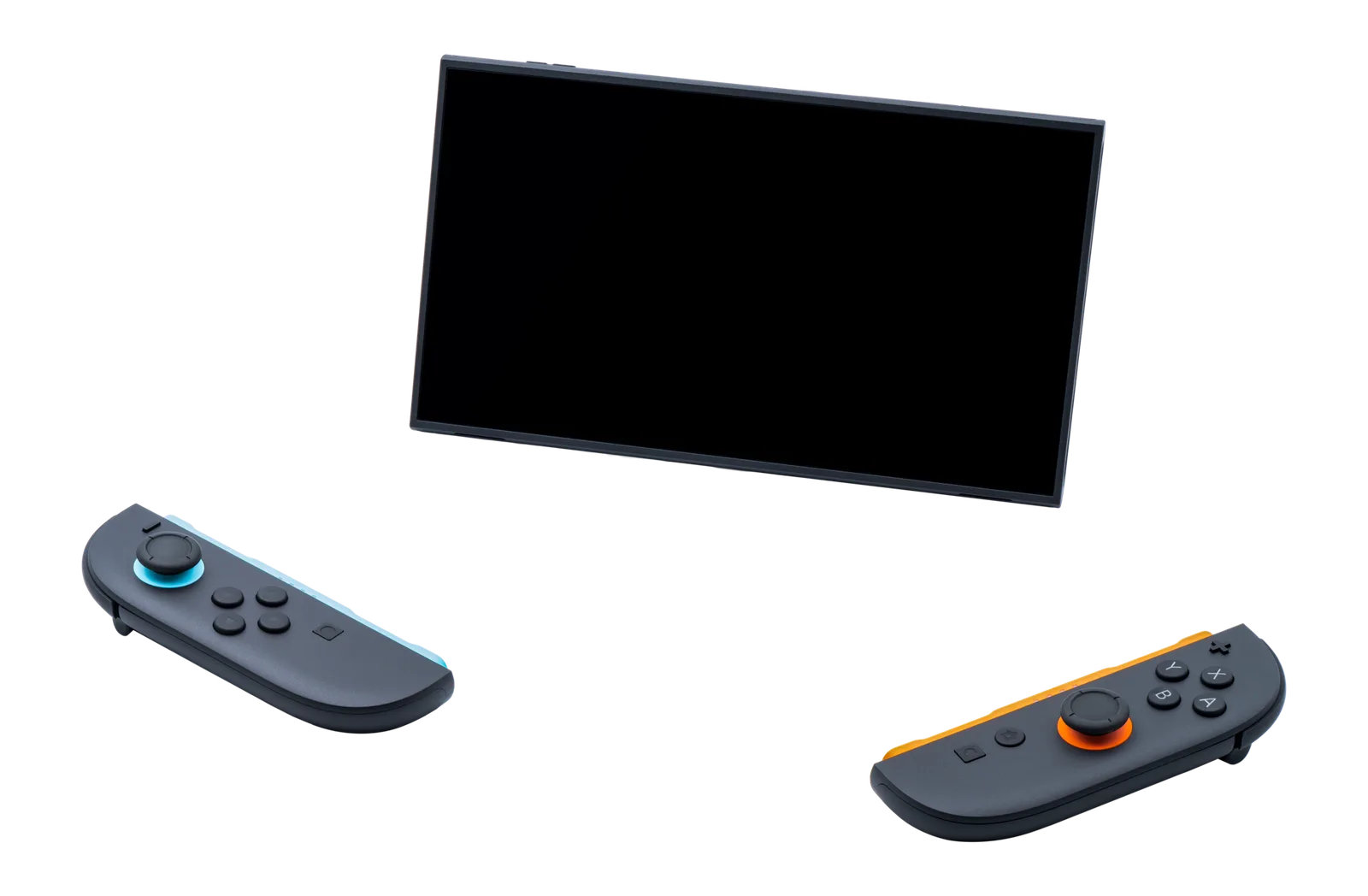
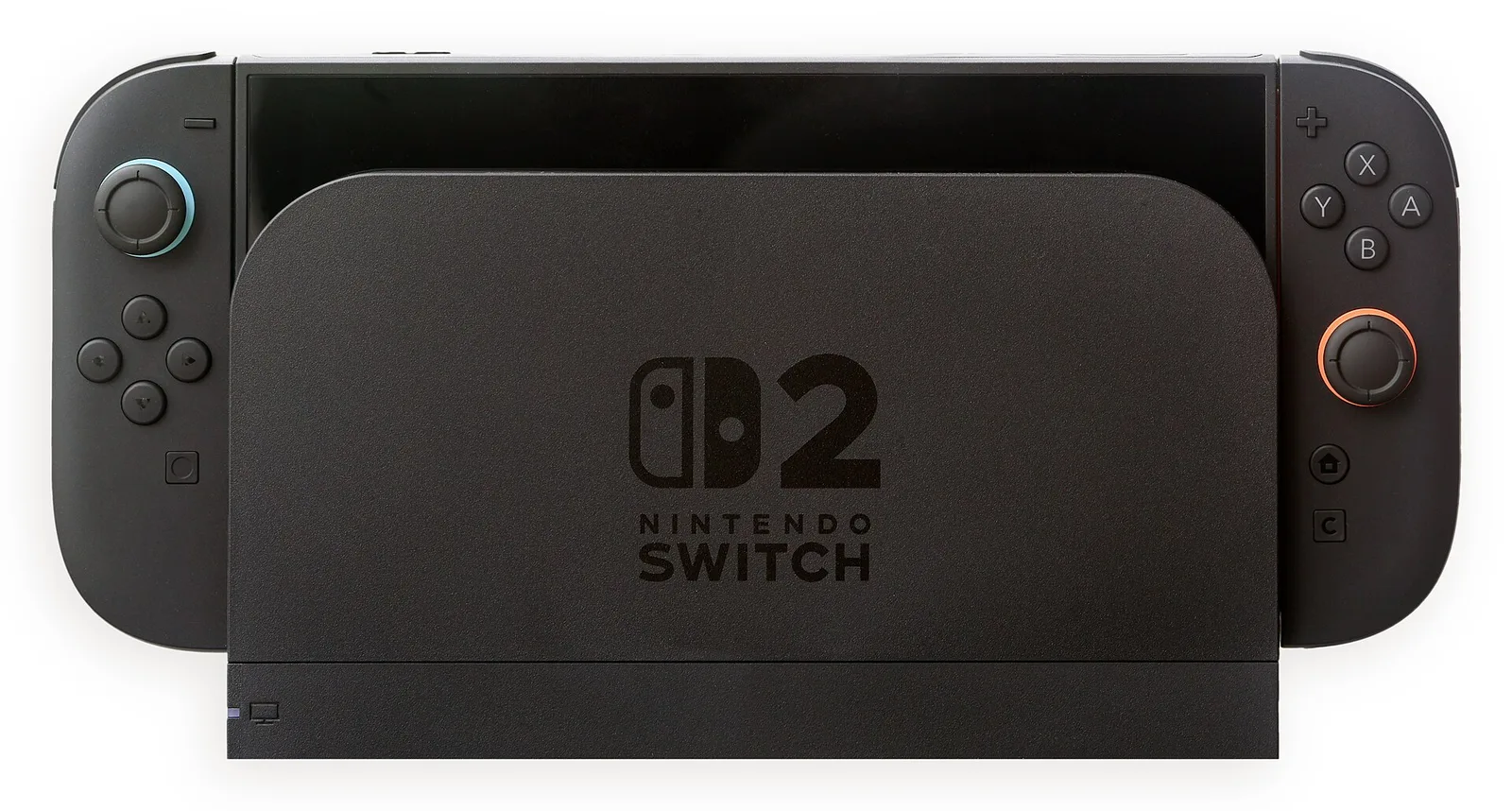
On paper, it's a completely new generation, and in practice, it is too. The display is 7.9 inches and 1080p (the old one was 6.2 inches and 720p), running up to 120 Hz with variable refresh rate in handheld mode, and outputting 4K when docked, where the old one topped out at 1080p. The internal storage is 256 GB, which isn't just an upgrade compared to the old 32 GB—it's a whole different category. The Joy-Cons don't slide on rails anymore; they snap onto the console with magnets, and there's built-in GameChat with an optional camera available. According to various analyses, graphics performance is roughly ten times that of the old one. You don't have to take the number on faith: the games below show what it means in practice.
Switch 1 and Switch 2 side by side
| Nintendo Switch (2017) | Nintendo Switch 2 (2025) | |
|---|---|---|
| Display | 6.2" LCD, 720p (OLED: 7", 720p) | 7.9" LCD, 1080p, HDR |
| Handheld refresh rate | 60 Hz | Up to 120 Hz, Variable Refresh Rate (VRR) |
| Docked on TV | Up to 1080p | Up to 4K 60 fps, 1080p at 120 fps |
| Storage | 32 GB (OLED: 64 GB) | 256 GB |
| Memory card | Any microSD | microSD Express only |
| Joy-Con | Slides on rails onto console | Attaches magnetically, can be used as a mouse |
| Graphics performance | Base | Roughly 10x, with DLSS upscaling |
| Chat, microphone | Not built-in | GameChat, built-in mic, optional camera |
| Playable games | Switch games | Switch and Switch 2 games |
Your old games on the new console: this is the best part
If you have a shelf full of Switch games, I have good news: almost all of them work on the 2, both from physical cartridges and digital downloads. And they don't just launch—they run better. GamesRadar and HowToGeek both benchmarked the first few weeks: even without updates, older games get more stable frame rates, fewer stutters, and in many cases faster loading times, simply because the new system doesn't break a sweat running them.
Where the publisher released a dedicated update, the differences are dramatic:
Pokémon Scarlet and Violet: Free update brings 1440p rendering and practically rock-solid 60 fps. This is the game that stuttered the worst on the original console, and now it runs the way it should have at launch.
Zelda: Breath of the Wild and Tears of the Kingdom: With the paid "Switch 2 Edition" update, you get 1080p handheld, native 4K docked, better shadows, and cut-in-half load times. If you subscribe to the Nintendo Switch Online Expansion Pack, this is included.
Witcher 3 (the old Switch version): According to Digital Foundry tests, it holds a near-solid 30 fps on the new hardware, meaning dynamic resolution doesn't drop as low, resulting in a sharper image. Without any patch.
For me, this was the deciding factor: I didn't need to buy new games to feel the difference immediately. My old Switch library basically picked up where it left off, just running better.
Big titles on Switch 2: by the numbers
Resident Evil Requiem
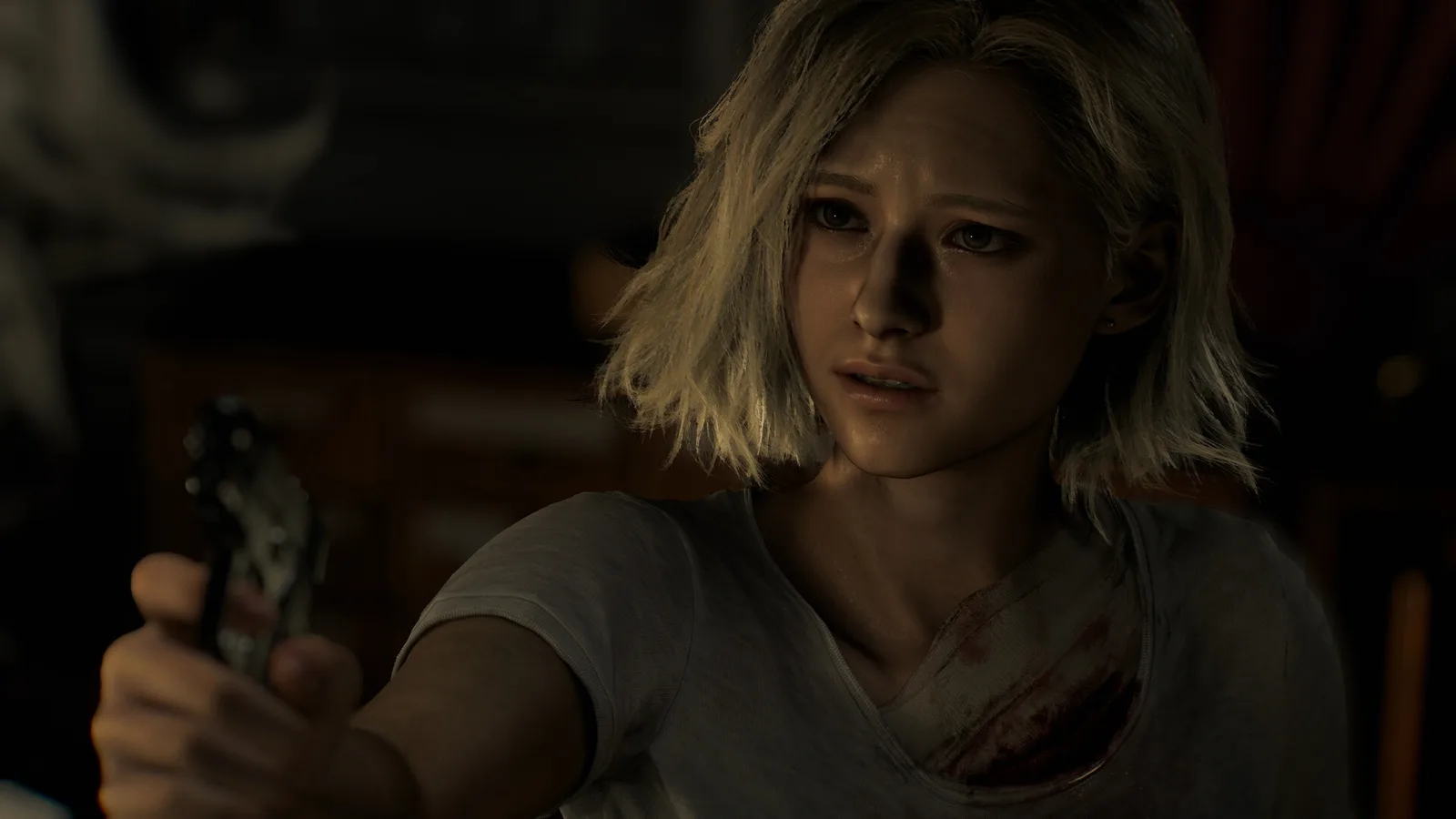
This is the game most people look up regarding the Switch 2, and for good reason: in handheld mode, it looks like a "major" home console game. The trick is DLSS: internally, the machine renders at 540p docked and 360p handheld, with Nvidia's upscaler pulling up the image. According to Digital Foundry's analysis, the result is sharper and more stable than the Xbox Series S version, even though that starts from a higher internal resolution. The frame rate runs unlocked aiming for 60 fps; in practice, it hovers around 40–50 docked, dropping to 30 in the worst cases, and down to 25 handheld. If that bothers you, the 120 Hz display helps a lot to make frame drops less noticeable. I play handheld, and the rainy, reflective scenes were the first moment I truly believed this system is in a different league.
Cyberpunk 2077
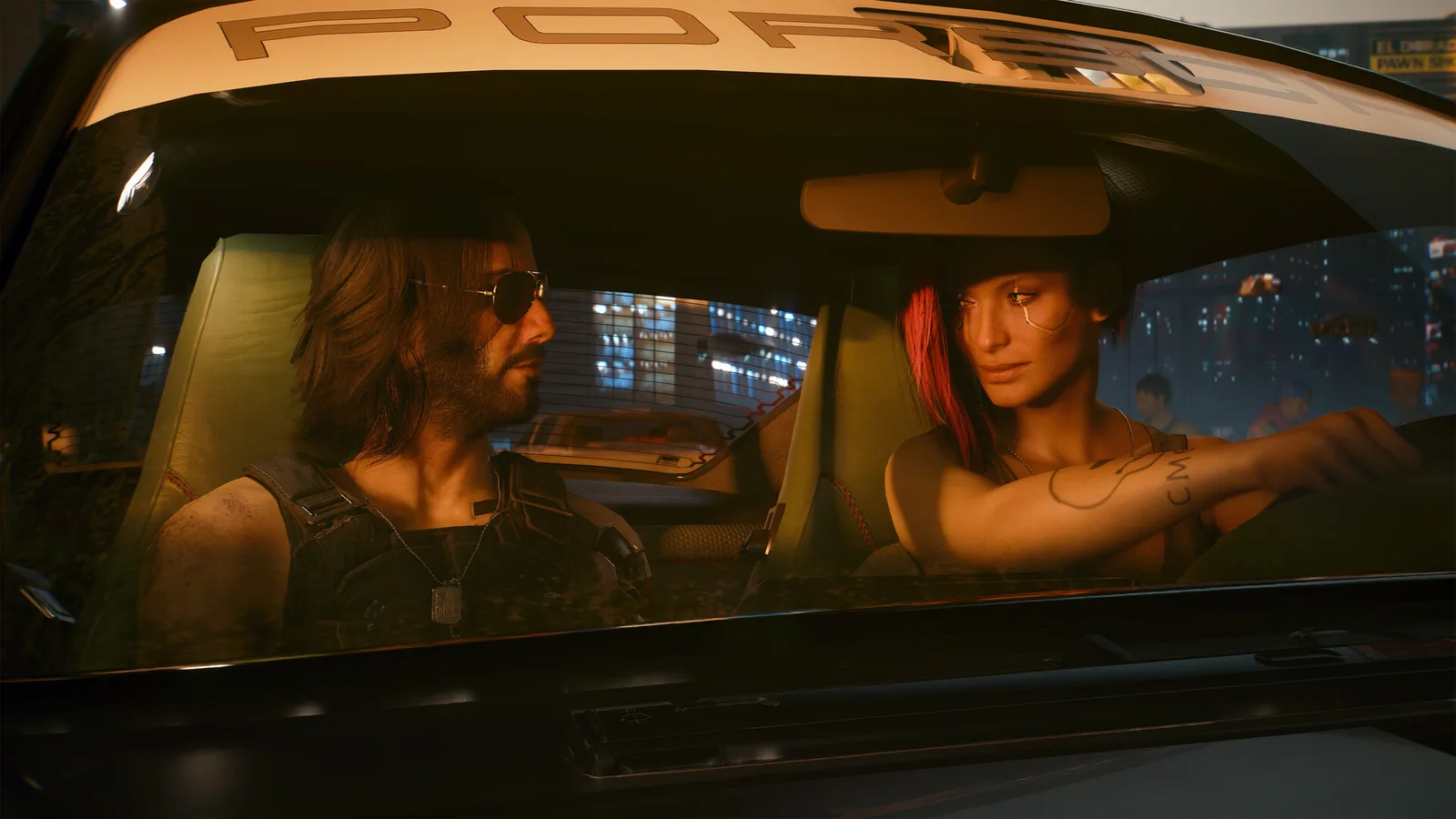
Ultimate Edition was a launch title on Switch 2, including Phantom Liberty. There are four modes: Quality 30 fps and Performance 40 fps, both available separately in handheld and docked mode. Digital Foundry numbers: docked Quality mode scales from 720–1080p to 1080p, Performance scales from 540–1080p; handheld scales from 450–810p to 810p, and 360–720p to 720p. The base game holds 30 fps, but drops occur in dense areas of Phantom Liberty, and fast motion causes some DLSS blur. What surprised me was that this is truly the full Cyberpunk including Phantom Liberty, fitting right in my bag. Anyone who finished it on PC or PS5 will find this version visually inferior, and that's not why you buy it. But if you haven't played it yet, or want to play in bed, on the train, or after the kids fall asleep, this is the most convenient way.
The Witcher 3: Wild Hunt
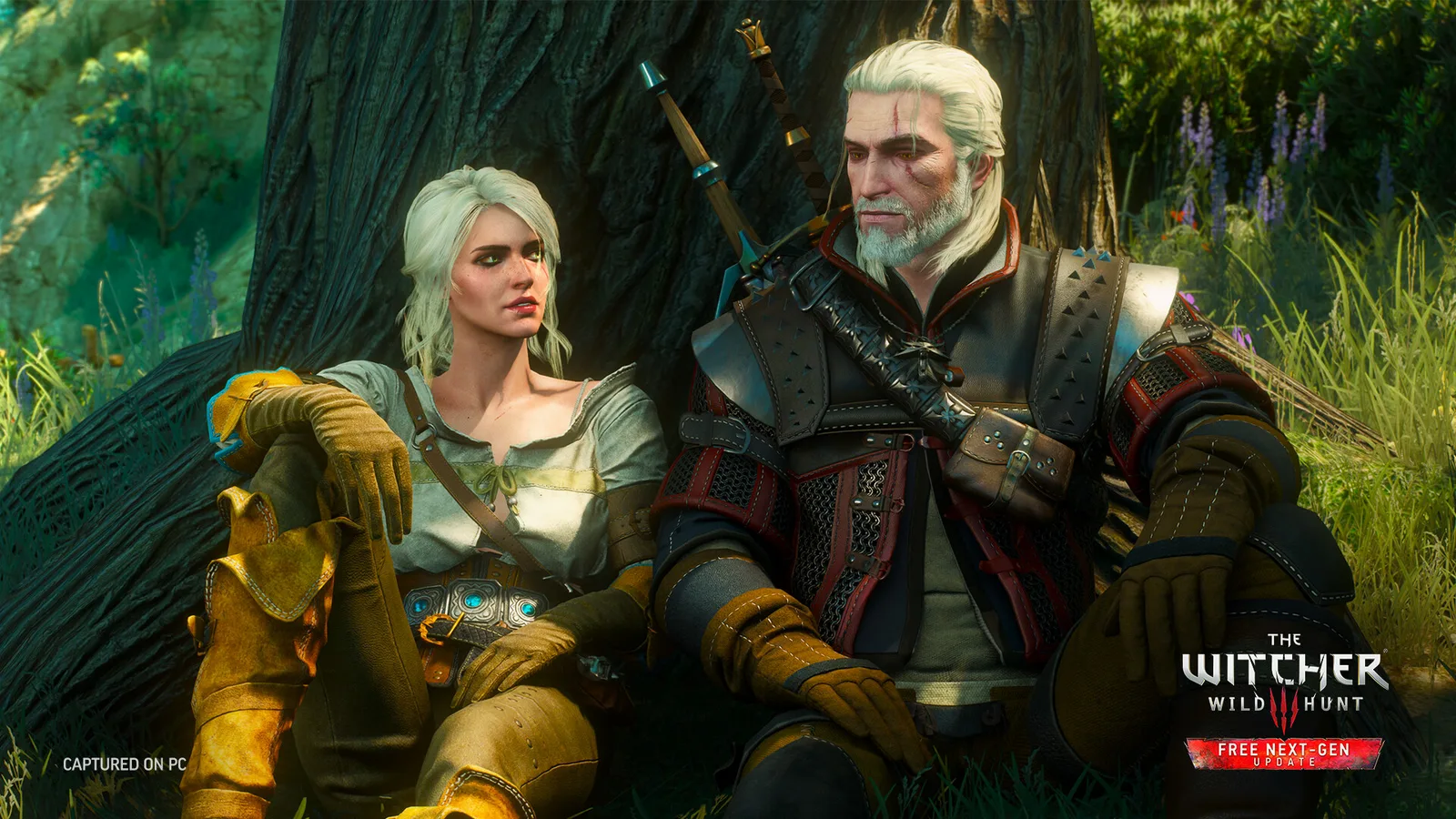
With Witcher 3, you have a choice. The old Switch edition maintains a steady 30 fps on the new hardware, and since the resolution doesn't plummet, it's sharper than ever. It's cheap second-hand, so if you already own the old cartridge, I wouldn't replace it. CD Projekt also announced a dedicated Switch 2 Remastered edition, but official numbers are more modest than rumors promised: 720p handheld, 1080p docked, between 30 and 40 fps, with 40 requiring a 120 Hz TV. So 60 fps didn't materialize. If you're buying it for the first time now, the Remastered looks better, while the old version is much cheaper.
And Nintendo's own games
There are no Digital Foundry-level measurements for these, and none are needed: Nintendo's first-party games run smoothly on their own system. Mario Kart World is my go-to game when guests are over. If there are several of us in the living room, this comes out because nobody needs an explanation. I beat Donkey Kong Bananza in the evenings, and not as a kid's game: smashing up stages is just as fun as an adult. Metroid Prime 4: Beyond is what search trends show most people were waiting for. If you like slower, exploration-focused gameplay, this will be your favorite. Pokémon Legends: Z-A released on the old system too, but the Switch 2 version is faster and prettier—get that one if you can. None of Nintendo's games strictly require the new console, but all of them are better on it.
2>Game-key card: how it works and what to watch out forThis is what most people misunderstand at the store. Many Switch 2 games come on a game-key card: the game itself isn't on the card, just a license key. On first launch, the system downloads the full game, requiring an internet connection and enough free space on internal storage or a microSD Express card. Afterward, no internet is needed, just keep the card in the console—it serves as proof of ownership. According to Nintendo's official documentation, the card isn't tied to an account or console, so it can be lent out or resold just like a regular cartridge. What you should prepare for: downloads can be tens of gigabytes, so if you buy one second-hand, check if you have space beforehand. Whether a game comes on a standard cartridge or a game-key card is indicated by a small note on the front of the box. Worth taking a look before paying.
Speaking of storage: Switch 2 only runs games from microSD Express cards. Your old microSD is fine for screenshots, but not for games. Look for this label on the packaging rather than looking at the price tag first.
So, is it worth it?
If you're buying a Switch for the first time: Get the 2. The old console is cheaper, but Switch 2-only games (from Mario Kart World to Requiem) won't run on it, and older games run better on the new hardware anyway.
If you own a Switch 1 and mostly play Nintendo titles: No rush, but after trying the Zelda and Pokémon upgrades, it's hard to go back to the old one. If your kids use it too, the 256 GB storage alone is a strong argument.
If you want multiplatform games portable (Cyberpunk, Requiem, Witcher): This is something the old hardware simply couldn't handle. Here, the 2 isn't just "prettier"—it's your only option.
What most people lose track of beside the console
Here's a personal note. During my first week with the Switch 2, I managed to misplace the Joy-Con strap frame: I searched for days before finding it somewhere I definitely didn't put it. The paper manual ended up at the bottom of a drawer, and the box on top of a closet. Since then, all accessories stay in one place, and duplicates get passed on. For example, I have an unopened strap frame if yours is truly lost:
By the way, the frame is worth hanging onto: Mario Kart and motion games are uncomfortable without it, and it's hard to find separately. Same with the grip. Guests came over, we needed two controllers, and it turned out having a second grip in the drawer is really useful. I have one available here:
The box is worth money—nobody tells you this when buying
When I sold my old Switch, buyers rushed to the listing with the box, while lowballers went for the one without it. It's not rocket science, just experience, but on the second-hand market, a complete console with its original factory box sells faster and with smaller discounts: buyers see it was taken care of, shipping is safer in the factory insert, and the listing simply looks more trustworthy. With Switch 2, this matters even more right now because it's a new, expensive console and buyers are cautious.
If you threw yours away, got it wet, or lost it while moving, here is an original, box-only item (no console included):
Frequently Asked Questions
Do Switch 2 games run on the old Switch? No. Games labeled "Nintendo Switch 2" on the box only work on the new console. Conversely, almost everything older works on the new one.
Do I need a separate dock? No, one is included in the box package. The old Switch dock cannot be used with the new console.
Do old Joy-Cons work on the 2? They can be paired wirelessly and played with, but they won't attach to the sides of the console because the new one uses magnetic attachments.
Can a game-key card game be resold? Yes, the card is not locked to an account. The new owner will need to download the game and use the card to launch it.
How much is the box worth when selling? There's no exact figure, but my experience is that boxed listings sell faster with less price haggling. Keeping a box is very cheap insurance.
Sources: Digital Foundry analyses (Cyberpunk 2077, Resident Evil Requiem, backward compatibility), Nintendo Life, NintendoEverything, GamesRadar, HowToGeek, Tom's Guide, Nintendo official game-key card documentation. Nintendo game impressions are personal experience.